Make the library feel like yours
Group shows into colored lists, filter by duration, age or keywords, archive what you are done with, and decide exactly what appears on your home screen.
- Smart lists
- Continuous queues
- OPML import and export
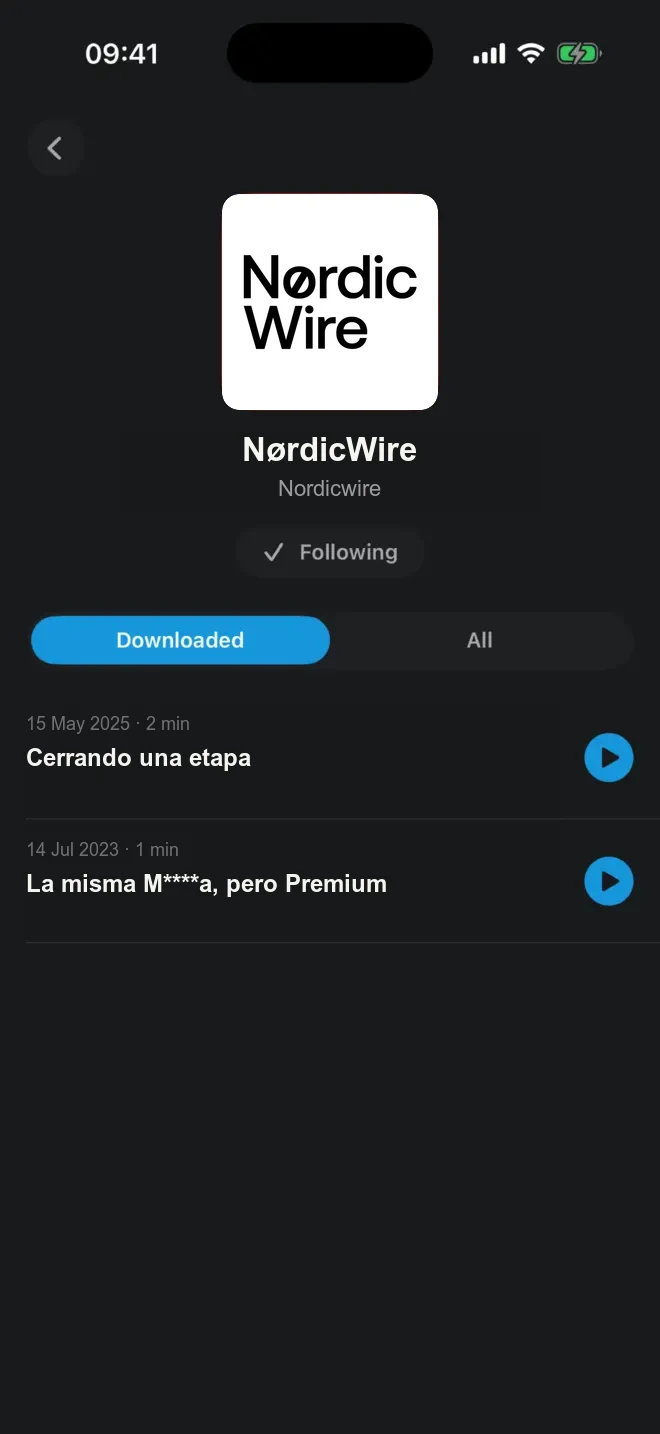
Import your shows with OPML, keep listening without ads or trackers, and use one fast podcast app across iPhone, Android, Mac, CarPlay, Apple Watch, Android Auto and the web.

PulsarCast is not trying to be a social network or a music app. It is a serious podcast player that stays focused on listening.
Group shows into colored lists, filter by duration, age or keywords, archive what you are done with, and decide exactly what appears on your home screen.
Automatic downloads keep new episodes ready before you need them, with cleanup rules for finished or older files.
Voice Boost, pitch-corrected speed, Smart Speed, chapters, sleep timer, configurable skips and per-show settings.
Use PulsarCast on iPhone, iPad, Mac, Apple Watch, CarPlay, Android, Android Auto, widgets and the web.
Use this page when mentioning PulsarCast in a podcast, newsletter, community post or recommendation thread.
“If you listen to podcasts every day and want a calmer, private player, try PulsarCast.”
Ask listeners to import OPML or add three shows, then use it for one week.
Share links such as /switch/?from=newsletter and use store clicks with source-specific placements.
Try PulsarCast for one week with the podcasts you already love
That is the pitch. Not “another podcast app”, not “yet another subscription”. Just a focused, private player that makes daily listening feel better.
No. The core podcast player works without an account. A free passwordless account is useful if you want sync across devices.
Yes. Import an OPML file, paste RSS feeds, add private feeds, or use Spotify show links when available.
No. Ultra is optional. It adds AI listening tools, personal audio, advanced automation and the full web player, but the core podcast player is free.
No. PulsarCast does not show ads, does not include third-party trackers, and does not sell your data.
Download PulsarCast, import your shows, and try it for one week.